How to Build an Authoritative Google Map Maker Profile

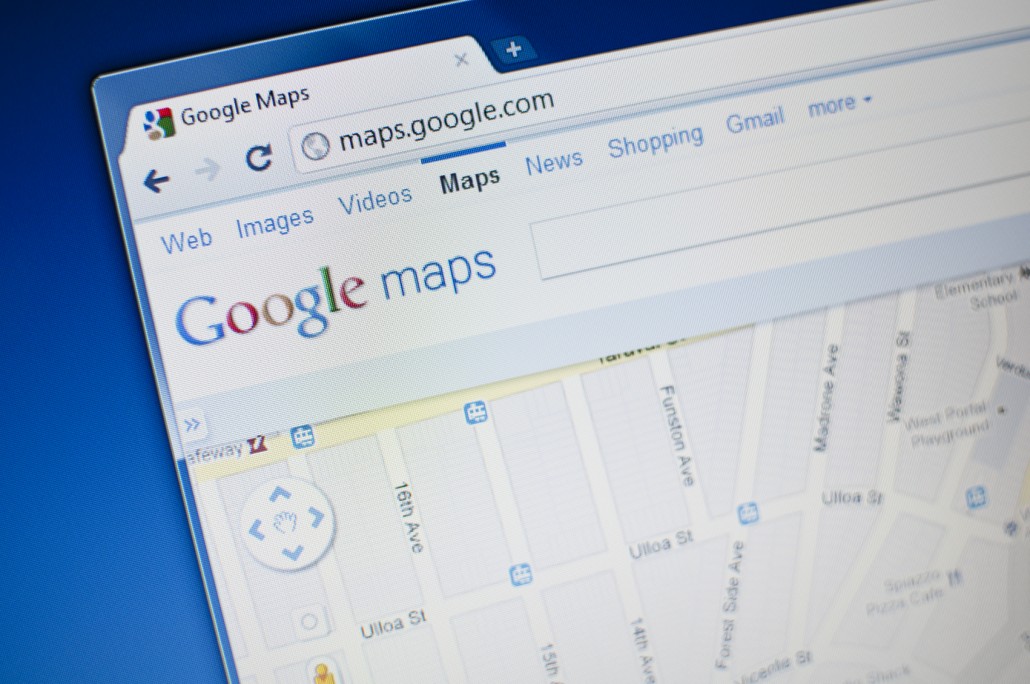
The influence of Google Maps on navigation today can never be underestimated. But did you realize how important this digital tool is for helping you get found through mobile devices?
Through Google Map Maker — the software provided by Google that allows anyone to add and update information found on Google Maps and Google Earth — is your key to providing useful details to potential customers. With it, you can add important roads or paths, as well as boundaries and details about your business that will be useful to customers. You can also use the software to regularly update new information about your business location and details on the map when necessary.
Why You Need to Care
If you’ve ever searched for, say, a restaurant, found it on Google Maps, then been frustrated when a website link didn’t appear, you already understand why you need to update your information.
Imagine how much business you would stand to lose if your company’s address showed up incorrectly in Google Maps. Or if your operating hours or phone number were wrong. It’s these little details that are your responsibility to ensure are correct on Google’s properties. Having consistent NAP details (that’s Name, Address, Phone Number) and travel directions are essential to help people find your business.
Additionally, you can include the type of business you run so people can be sure to find what they’re looking for, as well as your working hours.
If you have more than one location, it’s easy for Google Maps to send people to the wrong one, which is another reason to dive in and get your locations’ details cleaned up in Google Map Maker. On the other hand, if you work from home, you may not want people knowing your exact address, or may want to post working hours so no one knocks on your door late at night.
And if there is some sort of temporary situation that affects customers, like road construction blocking an entrance to your parking lot, this is useful data you need to share.
Where to Start
Search Google Maps for your business address and take a look at the results and the details displayed for it. You can see whether the pointer is accurately positioned where your business is located, as well as whether the details accurately represent your business.
Is there information missing? Do driving instructions take drivers to your door, or are they getting lost on the way? Make a list of anything you could improve or enhance with your business listing.
Building Your Google Map Maker Profile
Your Google Map Maker profile is where all the information about your mapping history is stored. It shows all your activity on mapping, your contributions, and ways in which you have improved Google Maps. A good Map Maker profile is one that has many approved updates and authoritative information, so it’s important that all your activity on the Map Maker software is useful.
In your Map Maker, you can find an overview of your activities, edits, and reviews. You will also see your display picture and your nickname that you use to make mapping suggestions. Developing a strong Map Maker profile, including a profile photo, is essential since your profile is what anyone will see when they open your profile on Map Maker, and it’s a good idea to brand yourself as trustworthy there.
On the Google Map Maker interface, your profile is located under the settings icon or the grey crank wheel. When you click on the grey crank wheel, a drop down menu will appear with various options, including the ‘My Profile’ option.
Another reason to enhance your profile? You get points for all your activity on Google Map Maker. The more suggestions and details you provide to maps, the more points you accumulate. Be aware though: deleting data decreases your points, so think twice before you delete anything.
The Edits tab on your profile is where you carry out most of your mapping activity on Map Maker. It shows you the most recent edits you have made to Google Maps, as well as your older edits.
Building an Authoritative Profile
In order to maintain the integrity of your profile and ensure that editors approve your suggestions, use these tips:
Carry out your research
One of the biggest mistakes that people make when using Map Maker is making edits before having all the information necessary to make the edit. Pulling the trigger too quickly can mean you have to delete an edit, and that will cost you in points. It is essential that you carry out detailed research before you start any edit. Record the names of the special features that you want to edit, obtain blueprints for buildings if you can, and tap into knowledgeable locals to get all the necessary details about a place before you take it to Google.
Get the spelling right and avoid alternative names
Spelling errors or alternative names can cause a lot of confusion among other people using the maps. If your business is called The Center for Wellness, but your nickname for it is “The Center,” don’t use the latter, or it can cause misdirection to potential customers. Always triple check any content you create before submitting to ensure it is error-free.
Write names correctly
Another mistake commonly made when mapping is writing a business name all in upper case letters, all lower case, or a combination of upper and lower case. Such edits will be automatically denied or delayed for publishing. You should follow the official name format with the first letters of each word capitalized. You should also avoid adding any special characters to the name.
Conclusion
The more approval your edits receive, the more authoritative your profile will become. Remember to also place any new suggested businesses under the correct category. Having an authoritative profile on Google Map Maker means not only are you are a reliable source of information for Google Maps, but you also ensure that people can easily find your business.